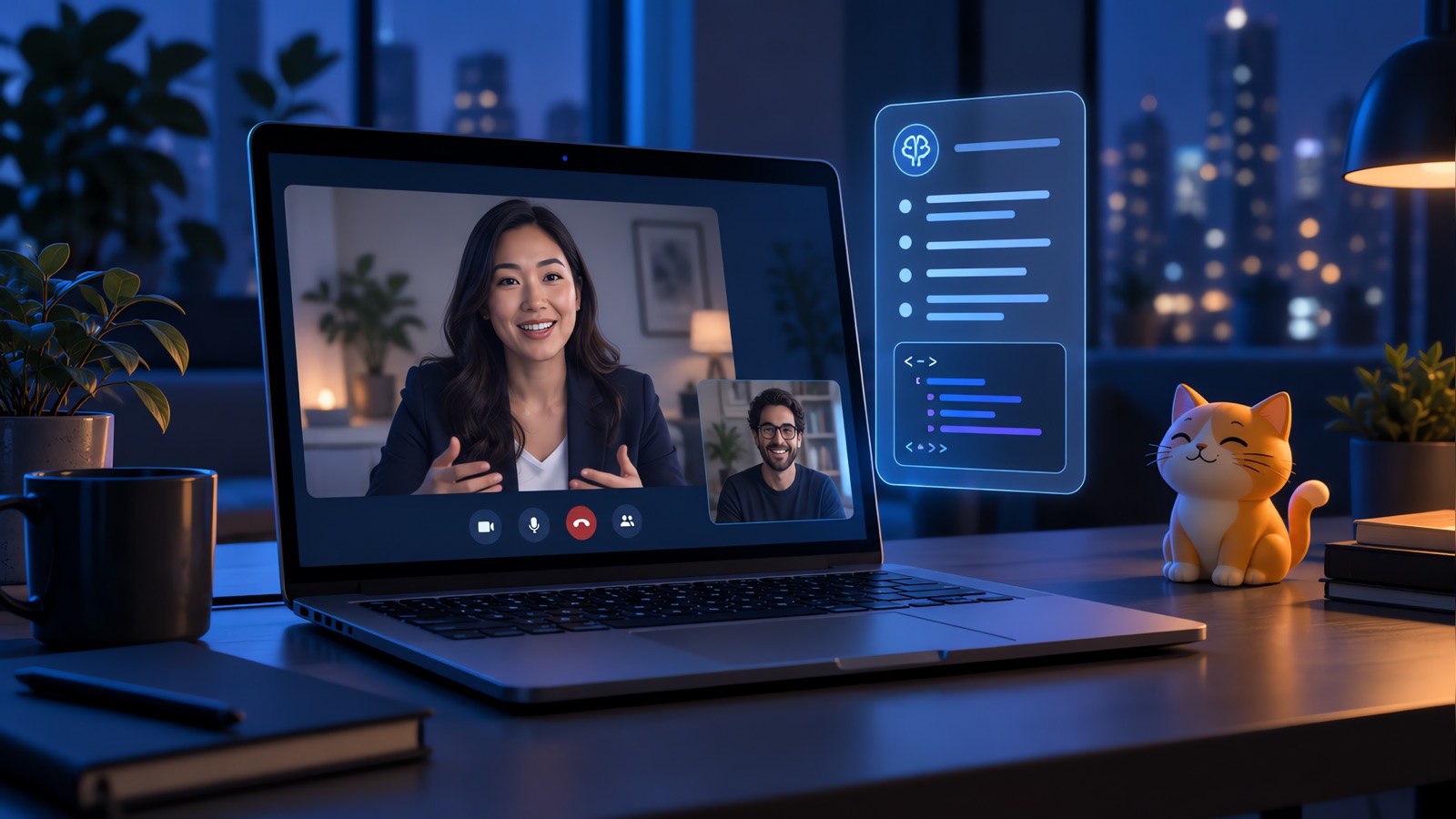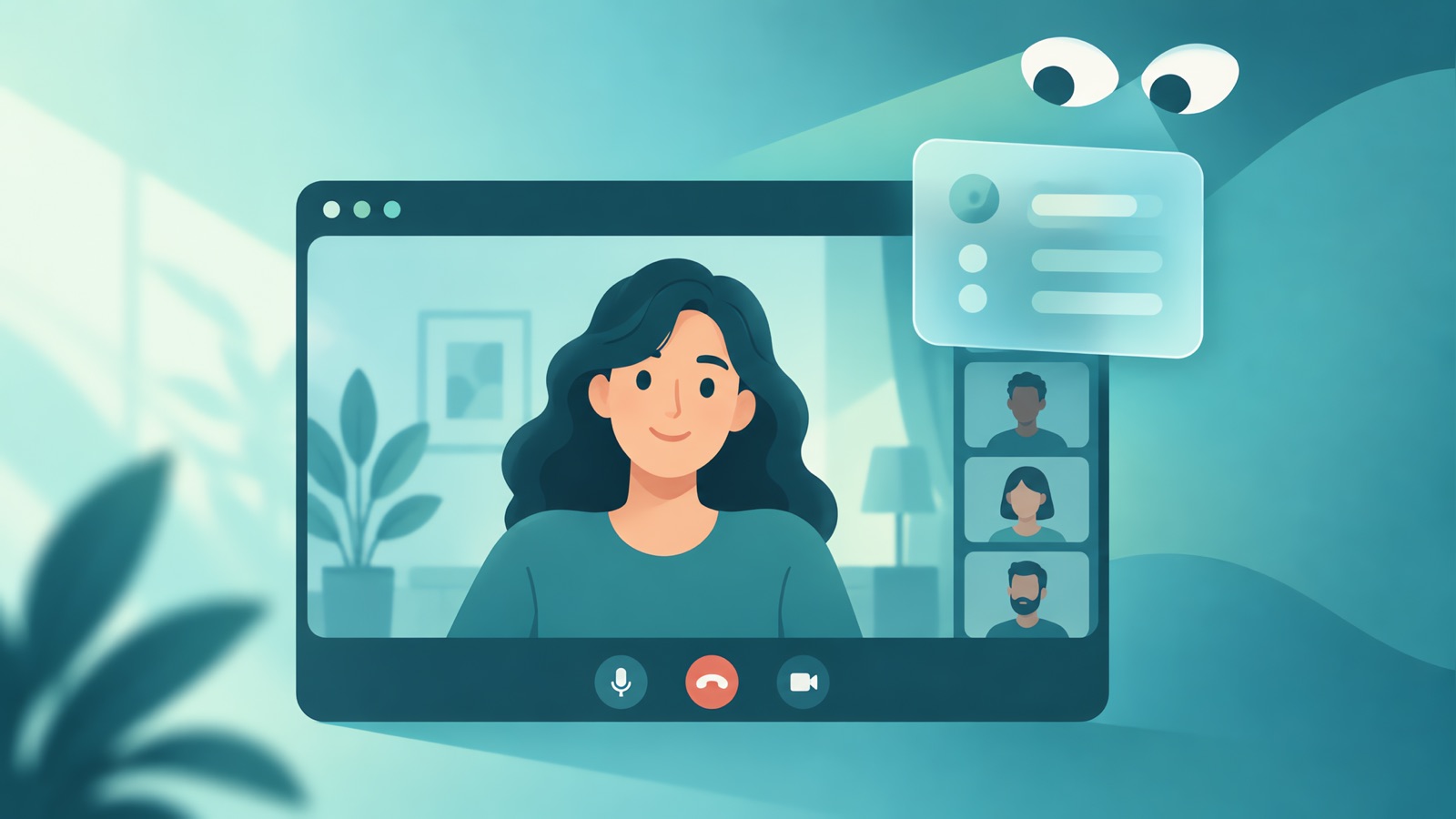
An interview overlay is a small floating window that sits on top of your other windows during a video call, usually showing a transcript or suggested answers. Whether the interviewer can see it depends on how you share your screen and how the tool is built, and vendors' claims about this aren't independently verified. The more important question is whether the employer allows it. This guide explains what overlays are, how screen sharing works in general, and what to check. We make YesToTheOffer, so we say where our product stands at the end.
What an interview overlay is
An overlay is an app window that stays above other windows, often partly see-through. For video interviews, tools use it to show:
- A live transcript of what the interviewer says
- Suggested talking points or answers
- A scratch area for notes or a problem statement
Some overlays are plain note-taking windows. Others are AI assistants that listen to the call and draft answers.
How screen sharing decides what others see
A video meeting app like Zoom lets you share different things, and the interviewer sees only what you share:
| What you share | What others see, in general |
|---|---|
| Your entire screen | Everything displayed on that screen |
| One application window | That window's content |
| A browser tab | That tab's content |
| Nothing | Your camera view only |
The sharing mode is a basic setting, and it matters more than any claim about a tool. Many interviews don't use screen sharing at all, except for coding or whiteboard parts, and then the interviewer is usually watching the shared window closely. If a tool says it stays hidden during a share, that is a statement from the vendor. We haven't verified any such claim, and software behavior can change with an operating system or meeting app update.
What a video call can't hide
Even if a window doesn't show on a share, the interview is still a conversation with a person:
- They hear your pauses, and they can see your eyes and where you look.
- They ask follow-ups that depend on what you said. A prepared answer is easy to extend by a question, and a real one is easy to extend by a story.
- They know how long a thoughtful answer takes, and the rhythm of reading is different.
See our guide on whether AI interview assistants are really undetectable for more on what interviewers notice.
The rules come first
Whether to use an overlay is a question about the employer's rules. Many ban AI help and outside assistance in live interviews and assessments, and some ask you to confirm you won't use it. If you're unsure, ask the recruiter. A simple note-taking window with your own pre-written bullet points is a different matter, and even that may be restricted in some assessments, so ask.
Where overlays fit without risk
| Use | Why it works |
|---|---|
| Practicing with an overlay in a mock interview | Nobody is being misled, and you learn how it behaves |
| Reviewing a transcript afterward | Shows where answers rambled |
| A meeting you're running, such as a team call | Not an interview, so the rules differ |
| An interview where the employer allows AI | Follow the stated rules |
For the practice side, see our guide to AI mock interview tools.
Where YesToTheOffer fits
We make YesToTheOffer, so weigh this accordingly. It's an interview assistant for macOS and Windows with a web app. It listens to a session, drafts answers from your resume and the job description, and keeps a transcript and review afterward. We don't recommend using any assistant where the employer prohibits it, and we don't promise that any tool can't be seen. Pricing is per minute with no subscription: $29.99 for 240 minutes, $59.99 for 600, and $99.99 for 1,200, with 30 free minutes for new accounts. For other tools, see our Cluely alternatives guide and AI interview copilot guide.
Before you use any overlay
- Read the interview instructions for rules about AI and outside help.
- Ask the recruiter if anything is unclear.
- Know what you will share before the call, and test it with a friend.
- Be ready to answer every follow-up in your own words.
Practice your answers with YesToTheOffer
Rehearse out loud, get answers built from your own resume, and review your transcript afterward. 30 free minutes, no subscription.