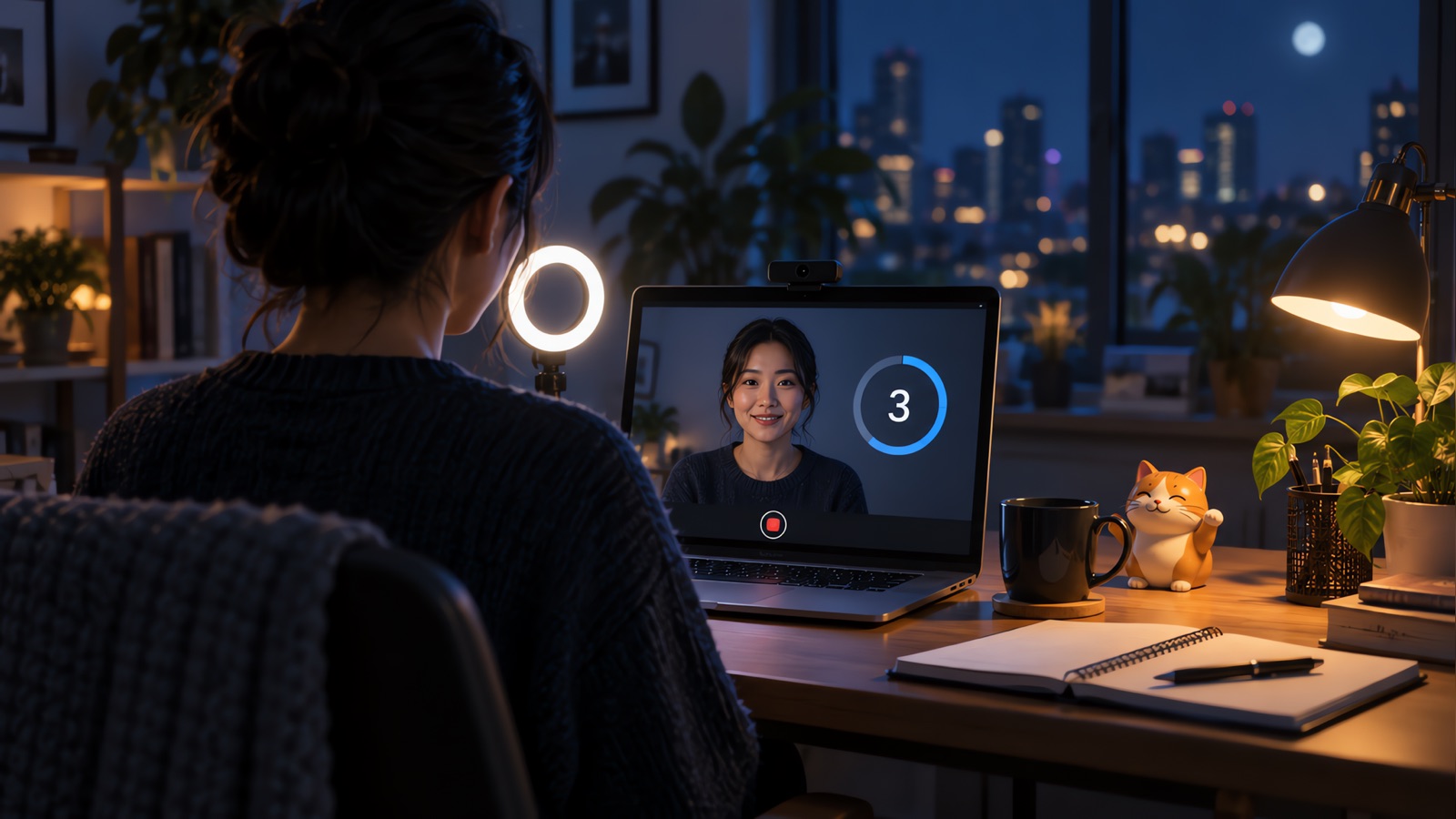
Most video interview tips come down to three problems: the camera is in the wrong place, the sound lags, and nobody planned for the call failing. These 12 tips deal with those first, then the usual setup items. They apply to Zoom interviews and other virtual interviews. If yours is a one-way recorded interview, read the section after the list, since some of this changes.
Check which kind of video interview you have
The UK National Careers Service separates two types, and the invitation usually tells you which you have.
| Live video interview | One-way video interview | |
|---|---|---|
| Who's there | One interviewer or a panel, in real time | Nobody. You record answers to set questions |
| Typical tools | Zoom, Microsoft Teams, Google Meet | The employer's recording platform |
| When | A scheduled time | A window that stays open for a few days |
| If something fails | Tell the interviewer and restart | Look for the platform's help contact in advance |
What we found in today's search results
On November 3, 2026, we searched "video interview tips" and read four of the guides that came up. This is what each one said on the two cases that cause the most trouble.
| Guide | Number of tips or layout | One-way interviews | Dropped call |
|---|---|---|---|
| The Muse | 20 tips | One link to a separate article | Nothing specific |
| Coursera | 16 tips | Defined, but the tips are mainly for live calls | Nothing specific |
| National Careers Service | Sections, with live and recorded tips split | Its own section | Tell the interviewer, stop and restart |
| Indeed UK | Sections, with both types defined | Defined, with a note on time limits and retakes | Get a phone number first, then call it |
Two of the four say nothing about a failed call beyond testing your connection first, so we've given it its own tip below.
Before the interview
1. Move the interviewer's window under your camera
Coursera and The Muse both suggest placing the interviewer's window close to your camera. Here's the arithmetic we did to see how much it matters. Say you sit 60 cm (about two feet) from a laptop with the camera at the top edge.
| Where you're looking | Distance below camera | Angle away from the lens |
|---|---|---|
| A window in the middle of the screen | 15 cm | 14 degrees |
| A window dragged to the top edge | 3 cm | 3 degrees |
The move takes a few seconds and cuts the angle by about four fifths. These are geometry figures from assumed distances, so measure your own setup if you want exact numbers.
2. Test on the real platform, a day ahead
Run your test on the app the interviewer will use, on the computer you will use. For a Zoom interview, Zoom offers a test meeting at zoom.us/test that checks your connection, audio, and video. Update the app the day before as well, so it doesn't insist on an update at the moment you join.
3. Ask for a phone number now
Indeed UK suggests asking the interviewer for a phone number in case of technical trouble. Do this when you confirm the time, and write the number on paper, because your computer may be the thing that failed.
4. Log in twice
The guides disagree here. The Muse says to show up a few minutes early. The National Careers Service says to log in at least 30 minutes early to check everything works. Both are useful if you split them: do your checks 30 minutes before, close the window, then join about five minutes before the start.
5. Fix sound before picture
Interviewers can work with a slightly dark picture, but it's hard to work with a voice that keeps cutting out. Wired headphones avoid both Bluetooth pairing surprises and the echo that speakers can cause. Sit in the quietest room you can get, and if your home connection is weak, Indeed UK suggests a library room.
6. Face the light and frame your head and shoulders
Put a window or lamp in front of you. Light from behind turns you into a silhouette. Raise the laptop on books so the camera sits at eye level and isn't looking up at your chin.
7. Dress for the same interview in person
What to wear for a video interview is the same as what you'd wear on site, including trousers, in case you have to stand. Try the outfit on your test call, since a webcam can change how a color looks. Our interview outfit guide goes by industry.
8. Clean up before you might share your screen
Close tabs, private messages, and anything with a salary on it. Turn off notifications. If asked to share, share one window instead of the entire screen. Our Zoom interview overlay guide explains how screen sharing decides what the other side sees.
During the interview
9. Leave a beat, and say when you're done
Video lag means two people often start at once. The Muse suggests waiting for the other person to finish and signaling when your answer is complete. A plain closer works: "That's the main example. Happy to go deeper on any part of it."
10. Say why you've gone quiet
A silent pause on video looks like a frozen screen. The Muse suggests explaining long pauses. Try "Let me think about that for a second," and if you've looked down, "I'm just checking a note."
11. Keep notes short
The Muse and Coursera both allow a few notes. Keep them to a few words per point, on a sticky note beside the camera. If a note holds a full sentence, you'll end up reading it, and reading is easy to see on camera.
12. Have a line ready for when the call fails
This is the one to rehearse. The National Careers Service says to tell the interviewer and restart if needed. When the sound breaks up:
Sorry, I lost your last few words. Could you repeat the question?
If it gets worse:
The connection is getting worse. Can I rejoin the call? If that doesn't fix it, I can call the number you gave me.
If you can't get back in within a minute or two, call that number, as Indeed UK advises, and ask whether to continue by phone or reschedule. Then send an email so there's a written record. After the interview, send the usual note, using our thank you email guide.
What changes in a one-way video interview
The tips on light, sound, and clothes still apply. Here's what's different in a pre-recorded or on-demand interview.
- The National Careers Service says you record within a set time and that the practice questions are the place to check whether you can re-record. Indeed UK says you may get more than one attempt, and may not. Assume one until you've seen otherwise.
- Read each question in full before you start talking. The National Careers Service says this too, and it's easy to skip with a timer running.
- Plan the length. At an assumed 140 words per minute, a 60-second limit is about 140 words and a 90-second limit is about 210 words. Say your last sentence before the timer forces it.
- Start early in the window, so a platform problem still leaves time to ask for help.
- Look at the lens throughout, since there's no face to look at.
For HireVue, see our HireVue practice guide, which covers the process and how to prepare. One-way platforms and assessments often come with their own rules on outside help, so read them and follow them.
AI tools and video interviews
Many employers ban AI assistance in interviews. Check first, and if the invitation doesn't say, you can ask. Don't use any assistance in a proctored or recorded assessment.
We make YesToTheOffer, a desktop app for macOS and Windows, so read this with that in mind. Where the employer allows it, it gives live transcription during a call, answer suggestions from your resume, and a review afterward. Our AI interview copilot for Zoom guide covers the screen layouts and what Zoom's own notices mean. Check the laws where you live before you transcribe a call, too. See is it legal to record a job interview.
Sources
Last checked November 3, 2026:
- The Muse: https://www.themuse.com/advice/video-interview-tips
- Coursera: https://coursera.org/articles/video-interview-tips
- National Careers Service: https://nationalcareers.service.gov.uk/careers-advice/how-to-do-well-in-video-interviews
- Indeed UK: https://uk.indeed.com/career-advice/interviewing/video-interview-tips
- Zoom test meeting: https://zoom.us/test
Read back what you said on the call
YesToTheOffer is a macOS and Windows desktop app with live transcription and a post-interview review. Up to 30 free minutes, pay per minute, and packs do not expire. Follow your employer's rules.