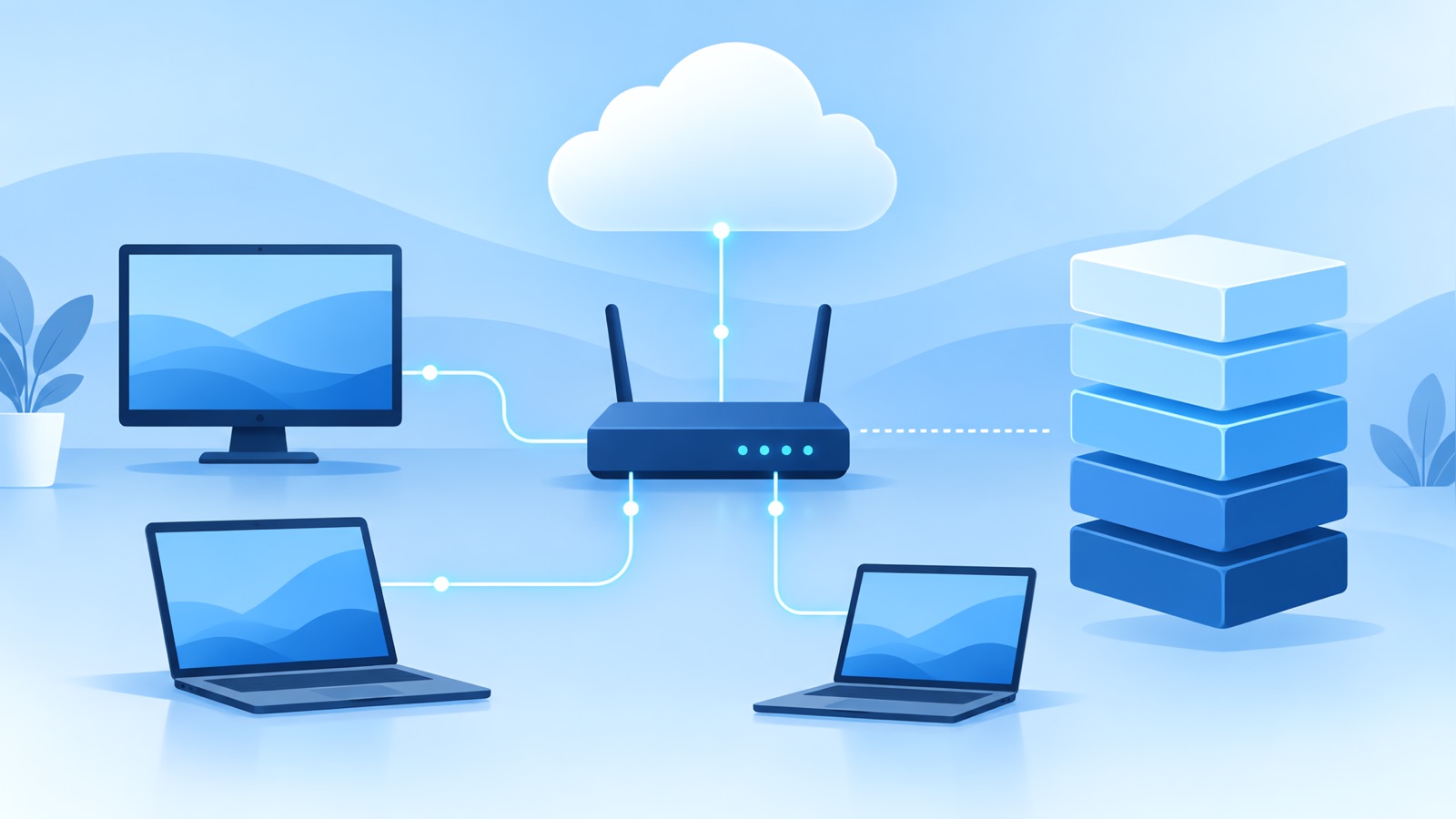
Computer networking questions test whether you understand how data moves between machines: the layers, the main protocols, and what happens when something breaks. Below are 20 questions with answers you can adapt, from basics to the "what happens when you type a URL" question that appears everywhere. The subnet examples were checked with Python's ipaddress module before publishing.
Layers and models
1. What are the OSI and TCP/IP models?
The OSI model has seven layers: physical, data link, network, transport, session, presentation, and application. The TCP/IP model groups them into four: link, internet, transport, and application. Interviews usually care about the practical split: Ethernet and Wi-Fi at the link layer, IP at the internet layer, TCP and UDP at the transport layer, and HTTP, DNS, and TLS at the application layer.
2. At which layer do switches, routers, and load balancers work?
A switch forwards frames by MAC address at the data link layer. A router forwards packets by IP address at the network layer. A layer 4 load balancer chooses a server using IP address and port, and a layer 7 load balancer can look at the HTTP request, such as the path or a header.
3. What is the difference between a MAC address and an IP address?
A MAC address identifies a network interface on a local link and is usually fixed in hardware. An IP address identifies a device on a network for routing, and it changes with the network you join.
Transport protocols
4. TCP or UDP?
TCP is connection-based and reliable: it numbers bytes, retransmits lost segments, delivers in order, and controls flow and congestion. UDP sends independent datagrams with no delivery guarantee, so it has lower overhead and delay. Use TCP for web pages, files, and email. Use UDP where speed matters more than perfect delivery, such as DNS lookups, live video, voice, and many games.
5. Explain the TCP three-way handshake
The client sends a SYN to open a connection. The server replies with SYN-ACK. The client sends an ACK. After that, both sides have agreed on starting sequence numbers and data can flow. Closing usually uses FIN and ACK messages in each direction.
6. How does TCP handle congestion?
It starts by sending a small amount of data and increases the sending rate while packets get through, which is called slow start. When it detects loss, it cuts the rate and then grows more cautiously. The goal is to use the available bandwidth without overloading the network.
7. What is the difference between latency, bandwidth, and throughput?
Latency is how long a packet takes to arrive. Bandwidth is the maximum rate a link can carry. Throughput is the rate you actually achieve, which is lower than bandwidth because of overhead, loss, and delay. A link can have high bandwidth and still feel slow if latency is high.
Addressing and subnetting
8. How many usable hosts are in a /24 network?
A /24 has 256 addresses. The first is the network address and the last is the broadcast address, so 254 are usable. For 192.168.10.0/24, hosts run from 192.168.10.1 to 192.168.10.254, and the broadcast address is 192.168.10.255.
9. Split a /24 into four subnets
Borrow two bits to make /26 networks. Each has 64 addresses and 62 usable hosts. For 192.168.10.0/24 the four subnets are 192.168.10.0/26, 192.168.10.64/26, 192.168.10.128/26, and 192.168.10.192/26.
10. Which network does 192.168.1.130/26 belong to?
A /26 mask is 255.255.255.192, so networks start every 64 addresses. The address falls in the block that begins at 192.168.1.128. That network runs from 192.168.1.128 to 192.168.1.191, with usable hosts from .129 to .190 and broadcast at .191.
11. How many usable hosts does a /27 have?
A /27 has 32 addresses and 30 usable hosts. For 10.0.0.0/27, the hosts are 10.0.0.1 through 10.0.0.30, and the broadcast address is 10.0.0.31.
12. What is NAT?
Network address translation lets many devices on a private network share one public IP address. The router rewrites the source address and port on outgoing packets and keeps a table to send replies back to the right device. It conserves public addresses, but it makes inbound connections to devices behind it harder.
Core services
13. What does DNS do, and how does a lookup work?
DNS turns names into IP addresses. A client asks a resolver, which checks its cache. If the answer isn't cached, the resolver asks a root server, then a top-level domain server, then the domain's authoritative server, and returns the answer to the client. Answers are cached for a time set by the record's TTL.
14. What do ARP and DHCP do?
ARP finds the MAC address for an IP address on the local network. DHCP hands out IP addresses, the default gateway, and DNS servers to devices that join a network.
15. What is the difference between HTTP and HTTPS?
HTTPS is HTTP carried over TLS. TLS encrypts the traffic, checks the server's identity with a certificate, and protects against tampering. The client and server agree on keys during a TLS handshake before any HTTP data is sent.
16. What do common HTTP status codes mean?
| Code | Meaning |
|---|---|
| 200 | OK |
| 301 | Moved permanently |
| 304 | Not modified, use your cache |
| 400 | Bad request |
| 401 | Not authenticated |
| 403 | Forbidden |
| 404 | Not found |
| 429 | Too many requests |
| 500 | Server error |
| 502 | Bad gateway |
| 503 | Service unavailable |
Putting it together
17. What happens when you type a URL into a browser and press Enter?
- The browser checks its cache, then resolves the domain name to an IP address with DNS.
- It opens a TCP connection with the three-way handshake.
- For HTTPS, it runs a TLS handshake to agree on keys and verify the certificate.
- It sends an HTTP request.
- The request may pass through a load balancer or CDN, and the server returns a response with a status code and content.
- The browser parses the HTML, fetches linked resources such as scripts and images, and renders the page.
You don't have to recite every step. Pick a depth that fits the interview and say which parts you know best.
18. A website is slow. How do you find out why?
Start by separating the layers. Check DNS lookup time, connection and TLS time, the time until the first byte, and download time. Use ping for reachability and round-trip time, traceroute to see where delay builds up along the path, and browser developer tools to see which requests are slow. Then decide whether the problem is the network, the server, or the page itself.
19. What are ping and traceroute?
ping sends ICMP echo requests to test whether a host is reachable and measure round-trip time. traceroute shows the routers along the path by sending packets with increasing time-to-live values and reading the replies.
20. What is the difference between a hub, a switch, and a router?
A hub repeats every signal to every port, so it's rarely used now. A switch learns which MAC address is on which port and forwards frames only where needed. A router connects different networks and forwards packets between them by IP address.
How to prepare
- Be able to draw the layers and place each protocol on them.
- Practice subnet calculations by hand until you can do a /24 into smaller blocks in a minute.
- Rehearse the "type a URL" answer at three depths: 30 seconds, two minutes, and a deep version.
- Know the troubleshooting commands and what each tells you.
For related practice, see our guides to system design interview questions, Kubernetes interview questions, AWS interview questions, and cybersecurity analyst interviews.
Practice aloud and in your own words. A transcript afterward shows where you rambled or skipped the point. Follow the employer's rules on AI tools in any live interview or assessment.
Practice your answers with YesToTheOffer
Rehearse out loud, get answers built from your own resume, and review your transcript afterward. 30 free minutes, no subscription.