A Coding Interview Assistant Workflow for Live Technical Interviews
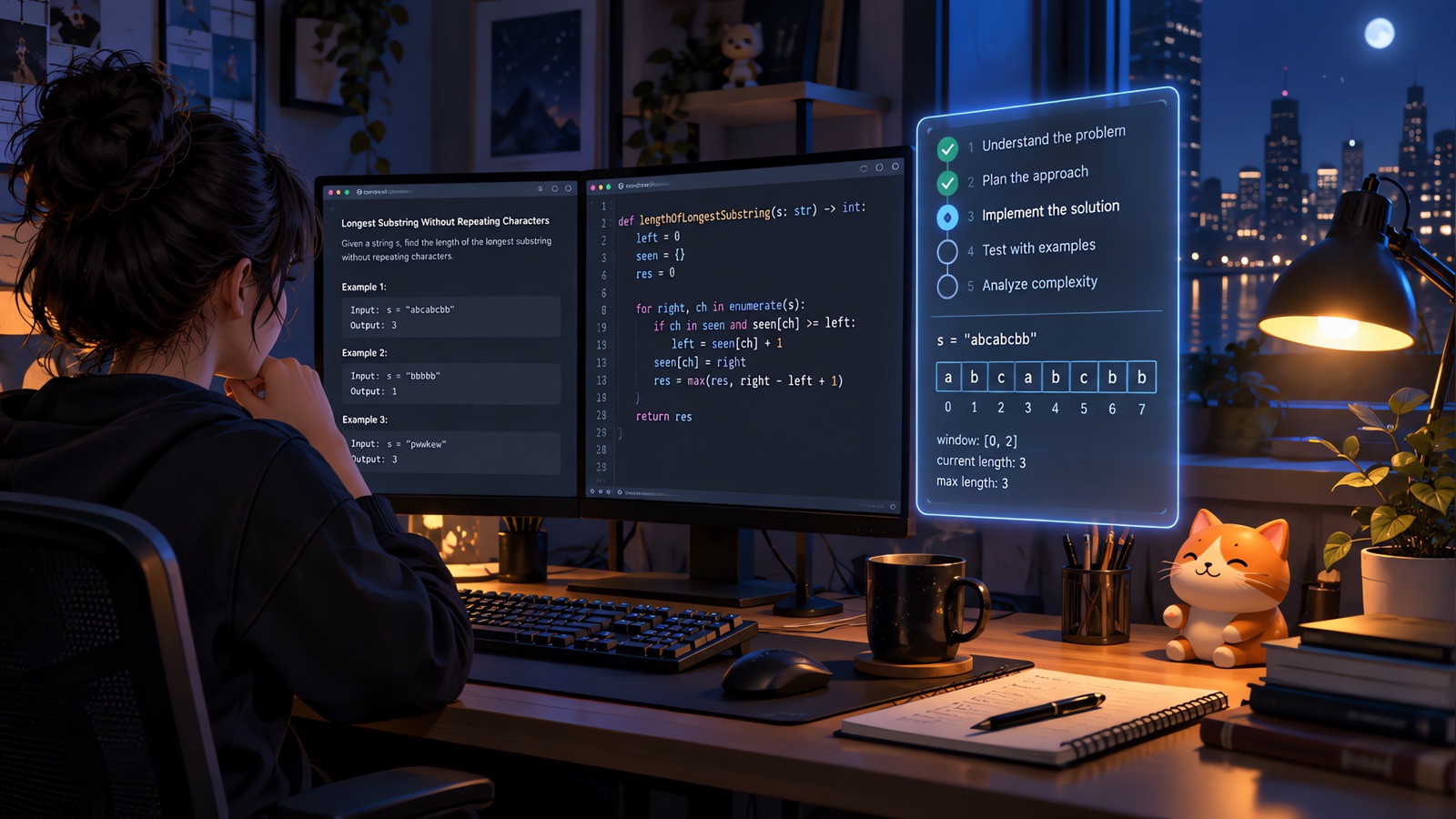
A coding interview assistant should not be treated as a magic answer machine. The highest-value use is workflow support: understanding the prompt, listing assumptions, choosing a solution direction, checking edge cases, and preparing a clear explanation.
The real difference
In a live technical interview, communication matters as much as the final code. Interviewers want to see how you think. A good assistant helps you slow down enough to clarify input, output, constraints, and test cases before rushing into implementation.
Where each tool fits
A practical workflow has four steps: restate the problem, outline the brute-force path, improve with the right data structure, and test with edge cases. For system design, the equivalent is requirements, API surface, data model, scaling constraints, and failure modes.
What to look for
YesToTheOffer supports this by combining screen context, transcription, and your private notes. The result is a calmer technical conversation where you can explain trade-offs instead of silently struggling with a blank screen.
How to use it well
Use YesToTheOffer as a workspace: prepare your resume context, keep your private notes close, capture the live question, and review the session afterward. The product works best when it supports your own judgment instead of replacing it.
FAQ
Is an AI interview copilot the same as a mock interview tool?
No. A mock interview tool is mainly for practice before the call. An interview copilot is designed to help you organize context during the real workflow.
Should I still prepare manually?
Yes. The better your resume notes, role research, and project examples are, the more useful the assistant becomes.
Final takeaway
Use any interview tool responsibly. The strongest results come from preparation, clear thinking, and truthful answers supported by your own experience.
Ready to turn preparation into performance? Download YesToTheOffer and build your interview workspace before the next call.